The Fontoscope service analyzes the fonts used on a website and identifies commercial fonts that require a purchased license. The service helps avoid legal claims related to the unauthorized use of commercial fonts.
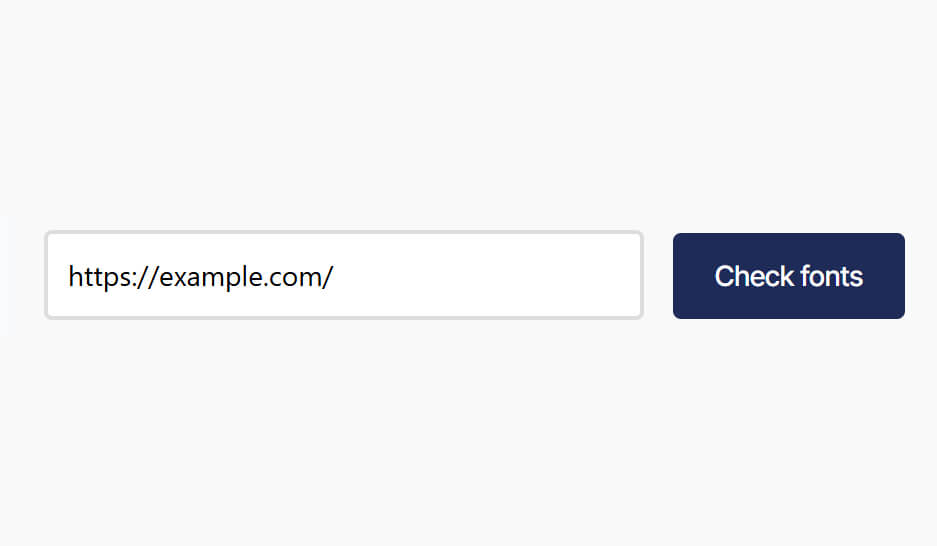
Enter the URL of the website you want to check and click the “Check fonts” button.
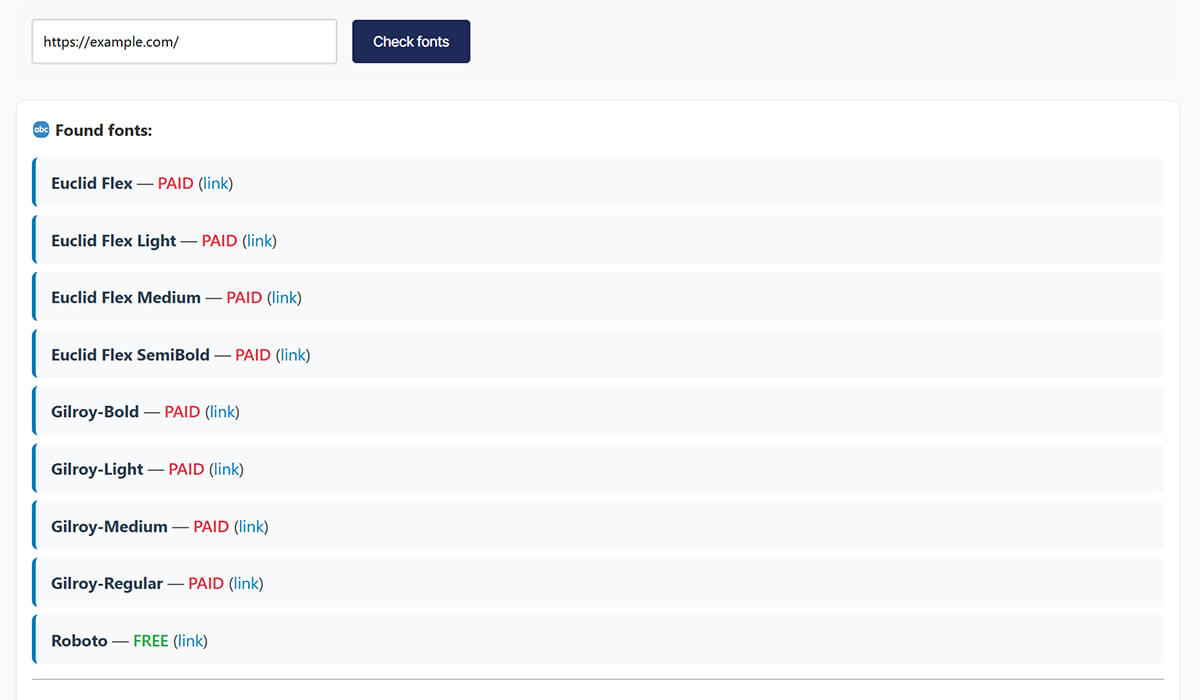
Wait for the analysis to complete and review the results. Commercial fonts will be marked as PAID, indicating that a license must be purchased to use the font on the website.
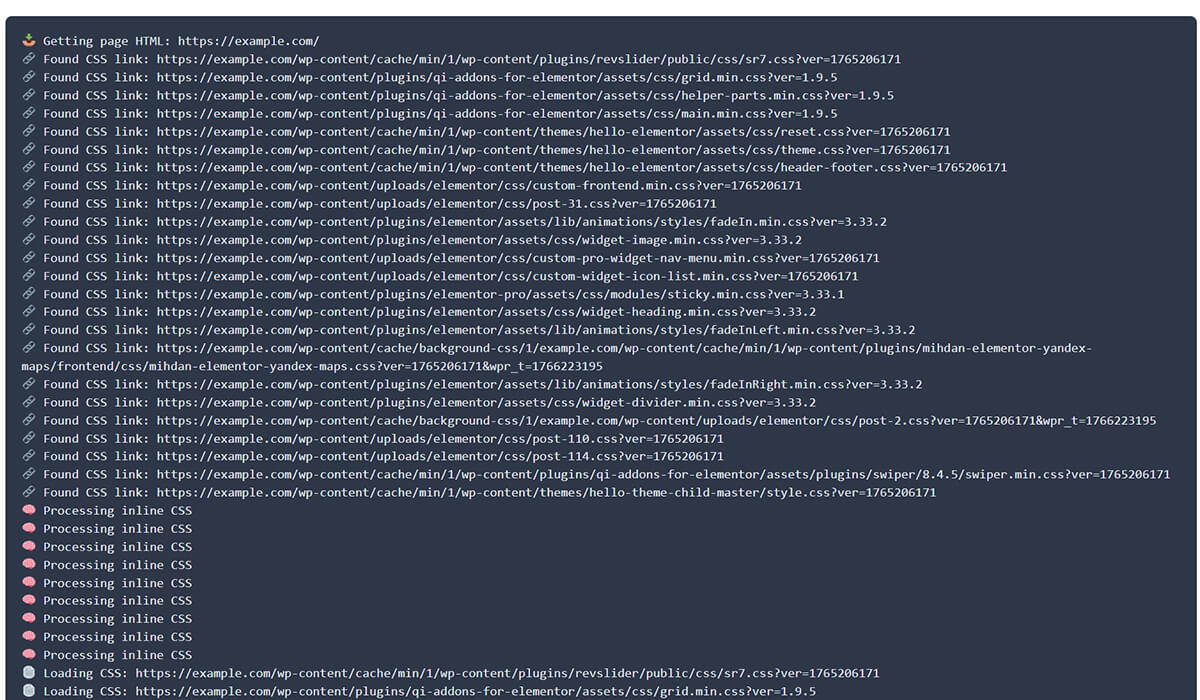
Below the results field, you can review the technical logs of the scan to see exactly where the detected fonts are located.
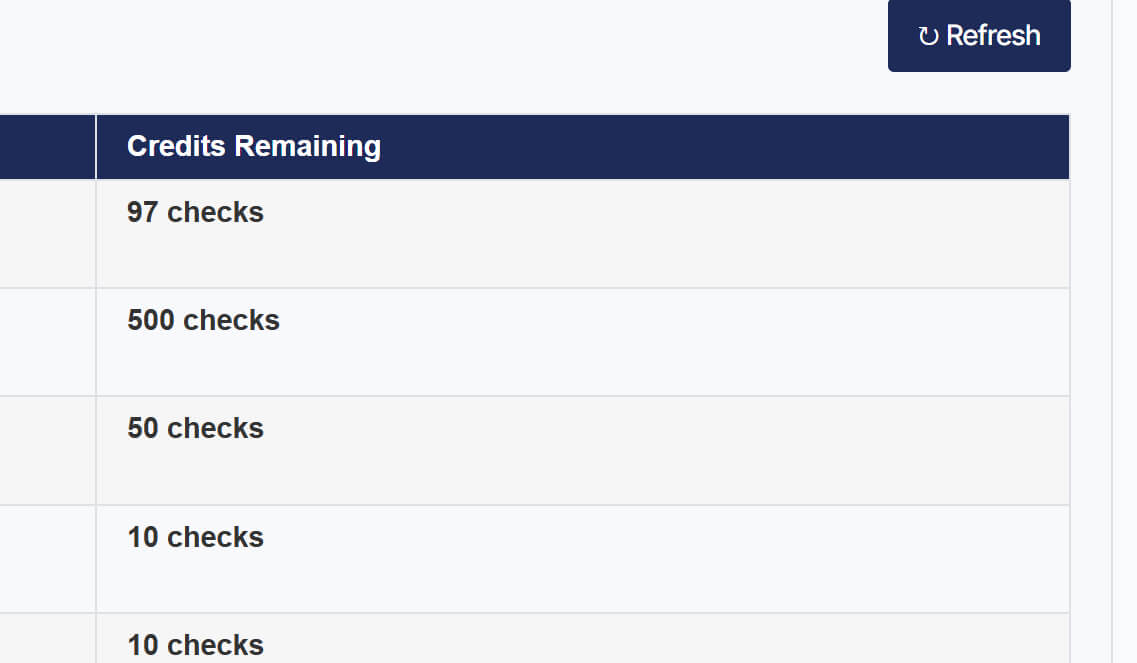
If necessary, refresh your current credits by clicking the Refresh button.
The Fontoscope service analyzes the fonts used on a website and identifies commercial fonts that require a purchased license. The service helps avoid legal claims related to the unauthorized use of commercial fonts.
Enter the URL of the website you want to check and click the “Check fonts” button.
Wait for the analysis to complete and review the results. Commercial fonts will be marked as PAID, indicating that a license must be purchased to use the font on the website.
Below the results field, you can review the technical logs of the scan to see exactly where the detected fonts are located.
If necessary, refresh your current credits by clicking the Refresh button.
No worries – even the best tools sometimes need a tune-up. Whether you’ve hit a snag, have a question about a feature, or just want to know more about how it all works – tell us what’s on your mind.
We’ll make it right. You can expect a personal response from our support lead in under 24 hours.