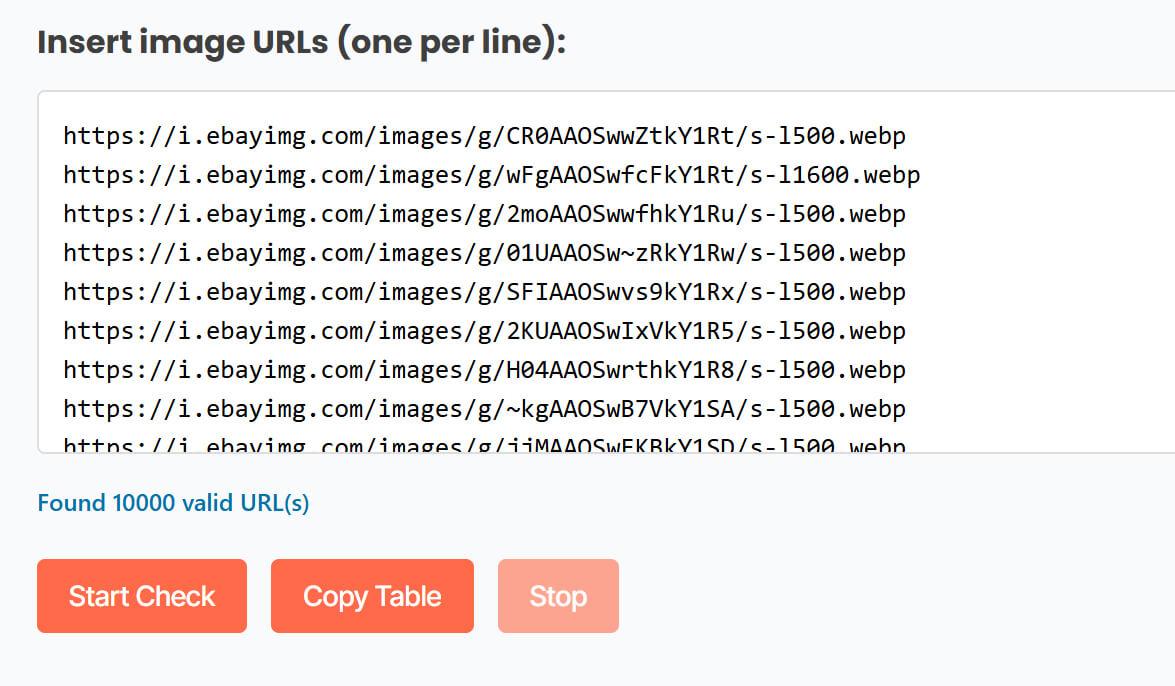
The ProCopy-360 service checks an array of direct links to images, such as links from product feeds on marketplaces or your website.
Enter the array of links to be checked, one link per line, in the input field. Here you can also select additional options: “Show Image Preview in results table” and “Show Alternative relevant images”. It is recommended to enter no more than 10,000 URLs. Click the “Start Check” button.
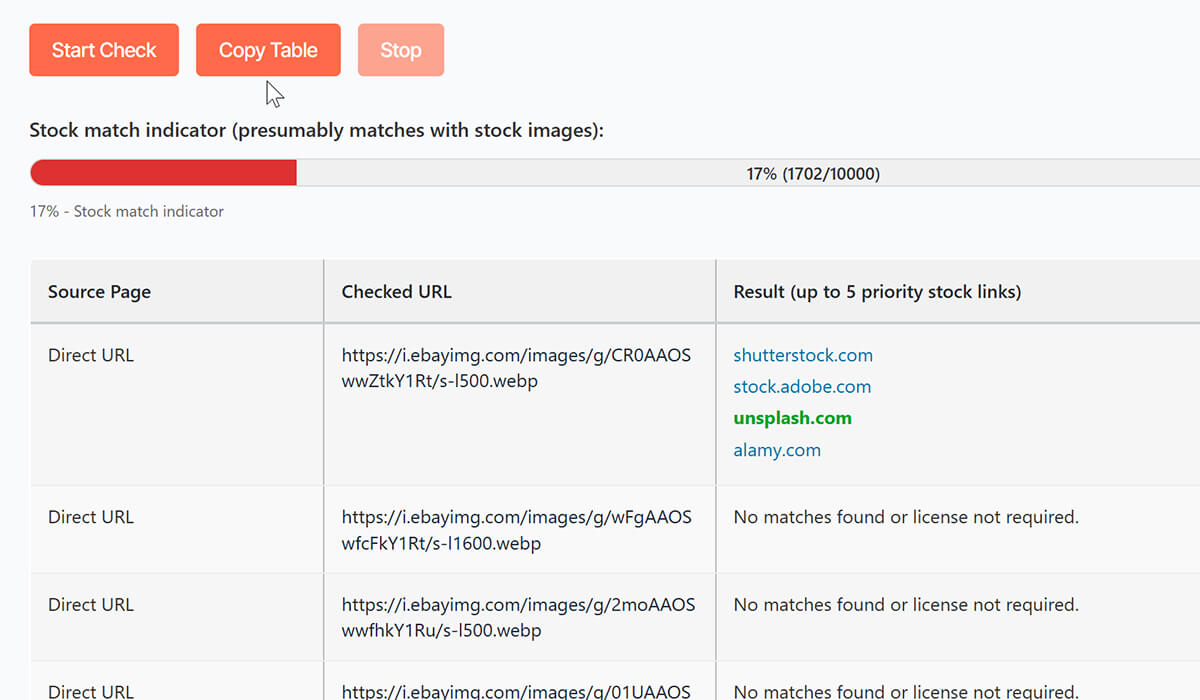
URLs are checked in batches of 20 images at a rate of approximately 2 seconds per image. Review the results: if a stock image requiring a license for use is identified, purchase links will be displayed. If the links include Unsplash.com – Bingo! This image is distributed under a free license.
Note: Do not refresh the page or close your browser during this process. You receive up to 5 links for one stock image: some links may not contain the requested image due to its recent removal from the stock photo site; in this case, use the other links.
We deliberately maintain verification in a paranoid mode to detect original stock images even from fragments or photo collages. Therefore, in some cases, there may be false alarms with merely similar images. But this way, we are confident you will not miss the original stock image on your resource.
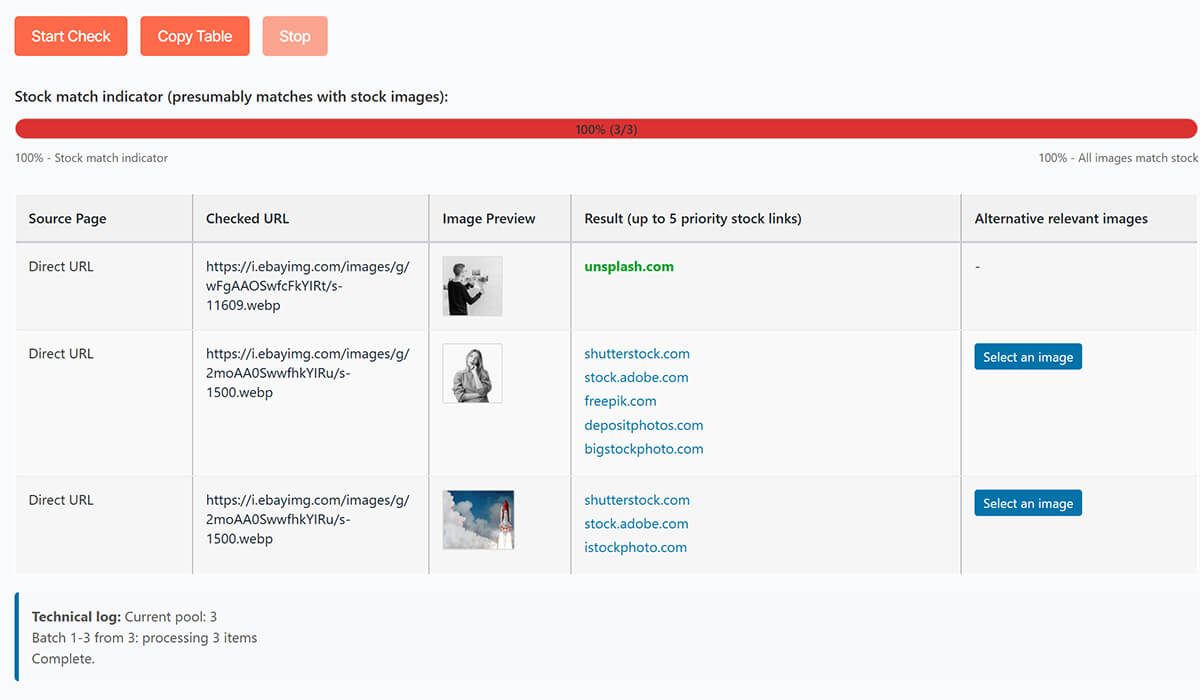
If you selected the checkboxes for additional options before verification, the results will display both previews and a link to a list of free relevant images of similar themes that can replace the found stock image.
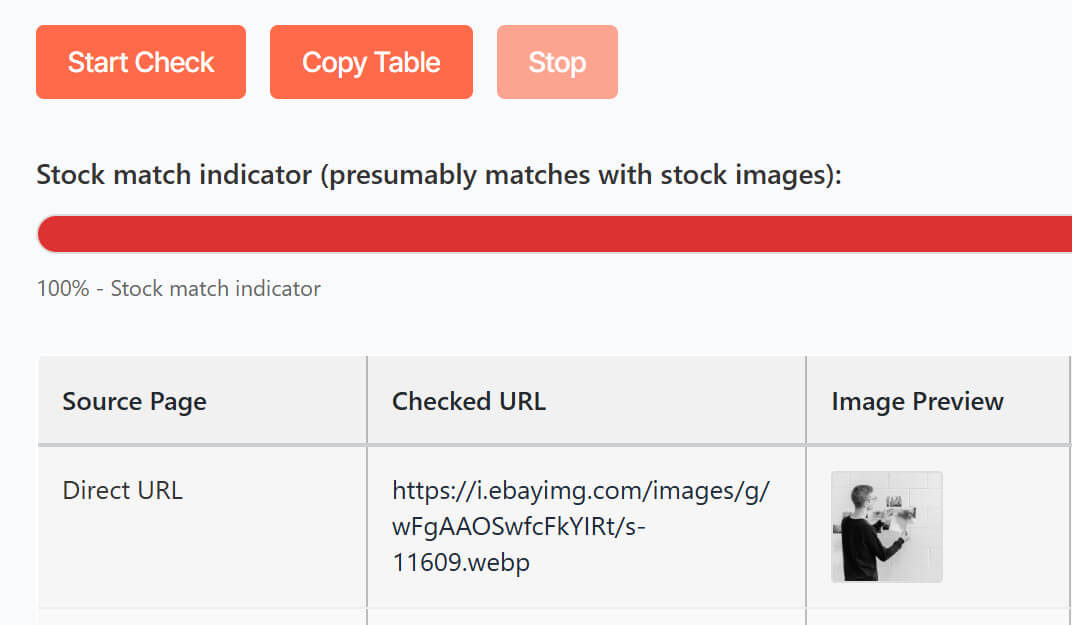
Copy the table using the Copy table button and paste it into an Excel document.
Note: If the verification results contain several thousand images, you will need to wait. Do not refresh the page or close your browser during this process.
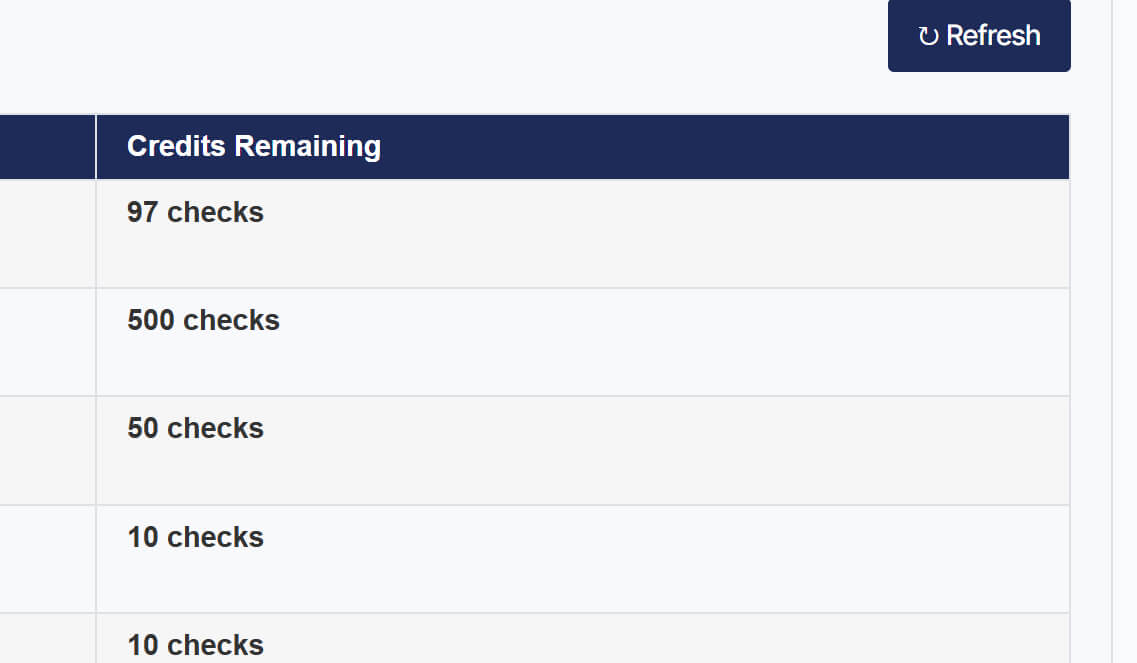
If necessary, refresh your current credits by clicking the Refresh button.
The ProCopy-360 service checks an array of direct links to images, such as links from product feeds on marketplaces or your website.
Enter the array of links to be checked, one link per line, in the input field. Here you can also select additional options: “Show Image Preview in results table” and “Show Alternative relevant images”. It is recommended to enter no more than 10,000 URLs. Click the “Start Check” button.
URLs are checked in batches of 20 images at a rate of approximately 2 seconds per image. Review the results: if a stock image requiring a license for use is identified, purchase links will be displayed. If the links include Unsplash.com – Bingo! This image is distributed under a free license.
Note: Do not refresh the page or close your browser during this process. You receive up to 5 links for one stock image: some links may not contain the requested image due to its recent removal from the stock photo site; in this case, use the other links.
We deliberately maintain verification in a paranoid mode to detect original stock images even from fragments or photo collages. Therefore, in some cases, there may be false alarms with merely similar images. But this way, we are confident you will not miss the original stock image on your resource.
If you selected the checkboxes for additional options before verification, the results will display both previews and a link to a list of free relevant images of similar themes that can replace the found stock image.
Copy the table using the Copy table button and paste it into an Excel document.
Note: If the verification results contain several thousand images, you will need to wait. Do not refresh the page or close your browser during this process.
If necessary, refresh your current credits by clicking the Refresh button.
No worries – even the best tools sometimes need a tune-up. Whether you’ve hit a snag, have a question about a feature, or just want to know more about how it all works – tell us what’s on your mind.
We’ll make it right. You can expect a personal response from our support lead in under 24 hours.